Features that make iPhone photo cleanup stupidly fun
Find duplicates, blurry pics, and old screenshots in seconds. Swipe through what to keep, feed the rest to your monster, sort what's worth keeping.
Want quick answers first? Visit our Photo Monster FAQ or read our privacy policy.
What Photo Monster does
Quick sessions. Sort what's worth keeping, feed the rest to your monster.
Finds Every Duplicate, Even Sneaky Ones
Spots not just exact copies, but those 47 almost-identical selfies you took trying to get the right angle.
Swipe Left on Bad Photos
Flick through groups of similar shots and feed the rejects to your monster in seconds. What used to take hours now takes minutes.
Sort Into Albums as You Go
Spot a photo that belongs somewhere? Toss it into an album without leaving your flow. Organization happens while you play.

A Monster That Eats Your Junk Photos
Feed your monster the photos you don't want. It munches through duplicates, blurry pics, and old screenshots with reactions that make cleanup stupidly fun.
Unlock Collectables and Decorations
Earn Pixel Dust from every cleanup session and spend it on collectables to fill your shelves. The more you clean, the cooler your collection gets.
Get Back 2-5 GB
See a live counter of storage freed in real-time. Watch the GBs stack up as your monster devours the junk.
Find Photos You Forgot You Took
Remember that sunset from 2019? That birthday you thought you lost? Photo Monster surfaces buried gems you haven't seen in years.
Protected by Apple. Controlled by You.
Photo Monster uses Apple's PhotoKit to process everything on your device. We never copy or store your photos on our servers. Your library stays yours.
Open, feed, reward, come back tomorrow.
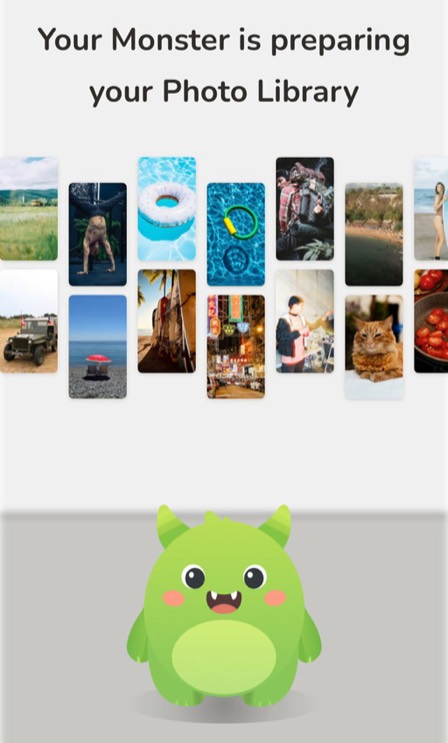
Open & Scan
Open the app and Photo Monster scans your library in under a minute. No signup. No complicated setup.
Swipe & Devour
Swipe right to keep, left to feed your monster. Watch it munch through duplicates, blurry pics, and screenshots you'll never need.
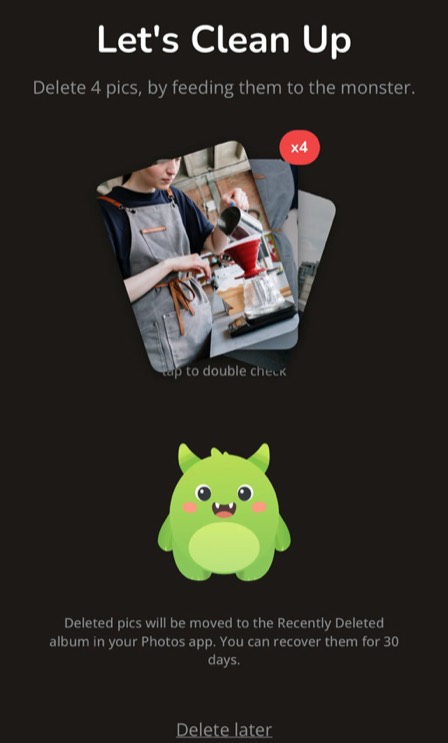
Reclaim & Relive
Check the damage: GBs freed, memories rediscovered, and a very happy monster ready for more.
Related pages
- How to clean up iPhone photos without deleting the ones you want : step-by-step cleanup workflow for large photo libraries.
- Photo Monster FAQ : common questions about pricing, deletion safety, and iCloud impact.
- Privacy Policy : how on-device processing works with Apple's PhotoKit.