Guide
How to clean up iPhone photos without deleting the ones you want
Thousands of photos, storage warnings, and you do not want to lose the good ones. Follow this order: clean the easy stuff, merge exact duplicates, favorite the ones you want to keep, then empty Recently Deleted.
Quick answer
- Delete old Screenshots first. They pile up silently and are almost always safe to cut.
- Merge exact duplicates in Photos > Collections > Utilities > Duplicates.
- Favorite photos you want to keep so you do not delete them by accident.
- Empty Recently Deleted when you are sure.
- For similar photos (like 8 shots of the same sunset), use Photo Monster to compare them and keep the best.
Step 1: Clear out Screenshots
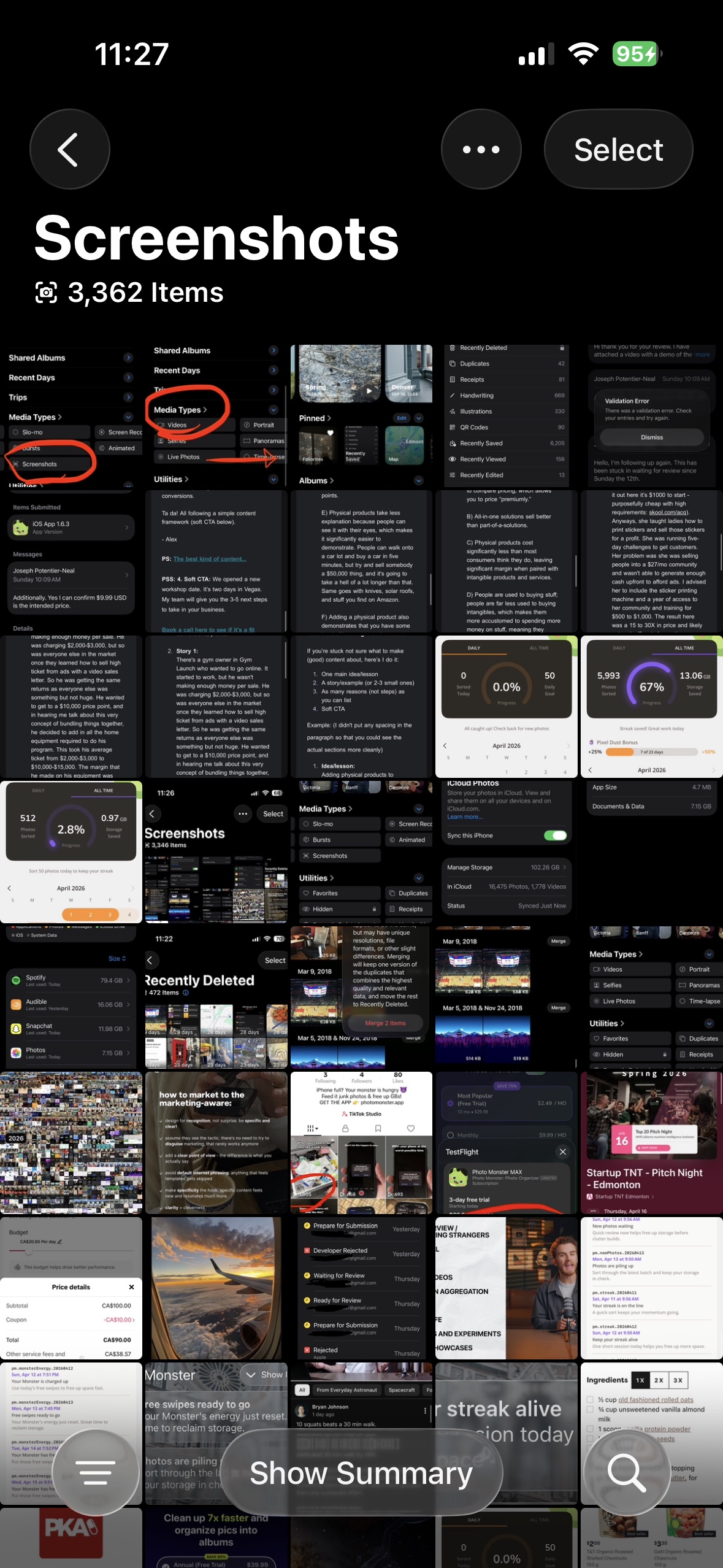
Open the Photos app. Tap Collections at the bottom, scroll to Media Types, and open the Screenshots album. Tap Select, tap the throwaways, and delete. Screenshots are usually the single biggest easy win.
Step 2: Merge exact duplicates
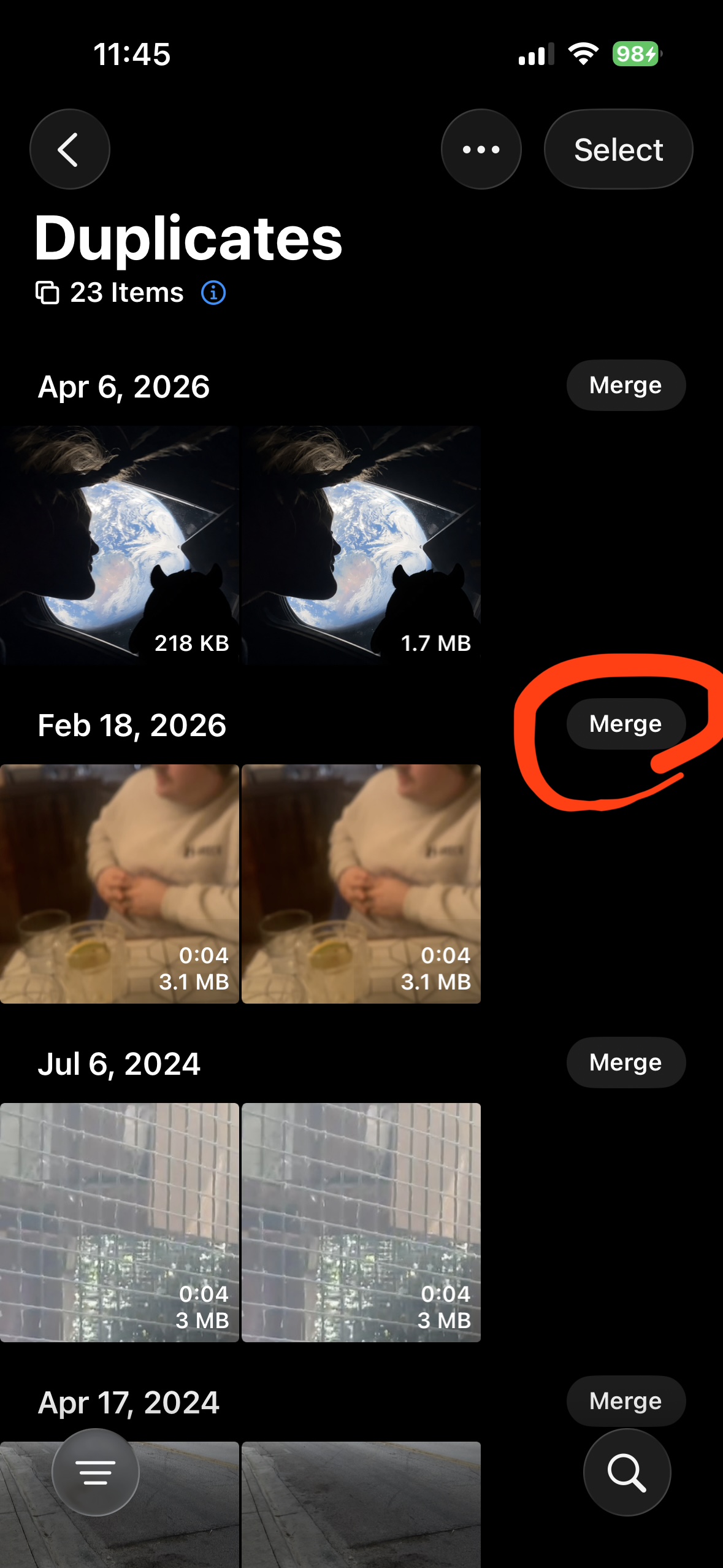
Go to Collections > Utilities > Duplicates. Each group is an exact copy. Tap Merge. Apple keeps one file and sends the rest to Recently Deleted. For a deeper dive see our duplicate cleanup guide.
Step 3: Mark your favorites before bigger cuts
Before you delete more, tap the heart on photos you want to keep. Favorites show up in their own album and are easy to pull aside if you ever do a bulk delete.
Keep sessions short. Ten minutes once a week beats one big painful afternoon.
Step 4: Use Recently Deleted as your safety net
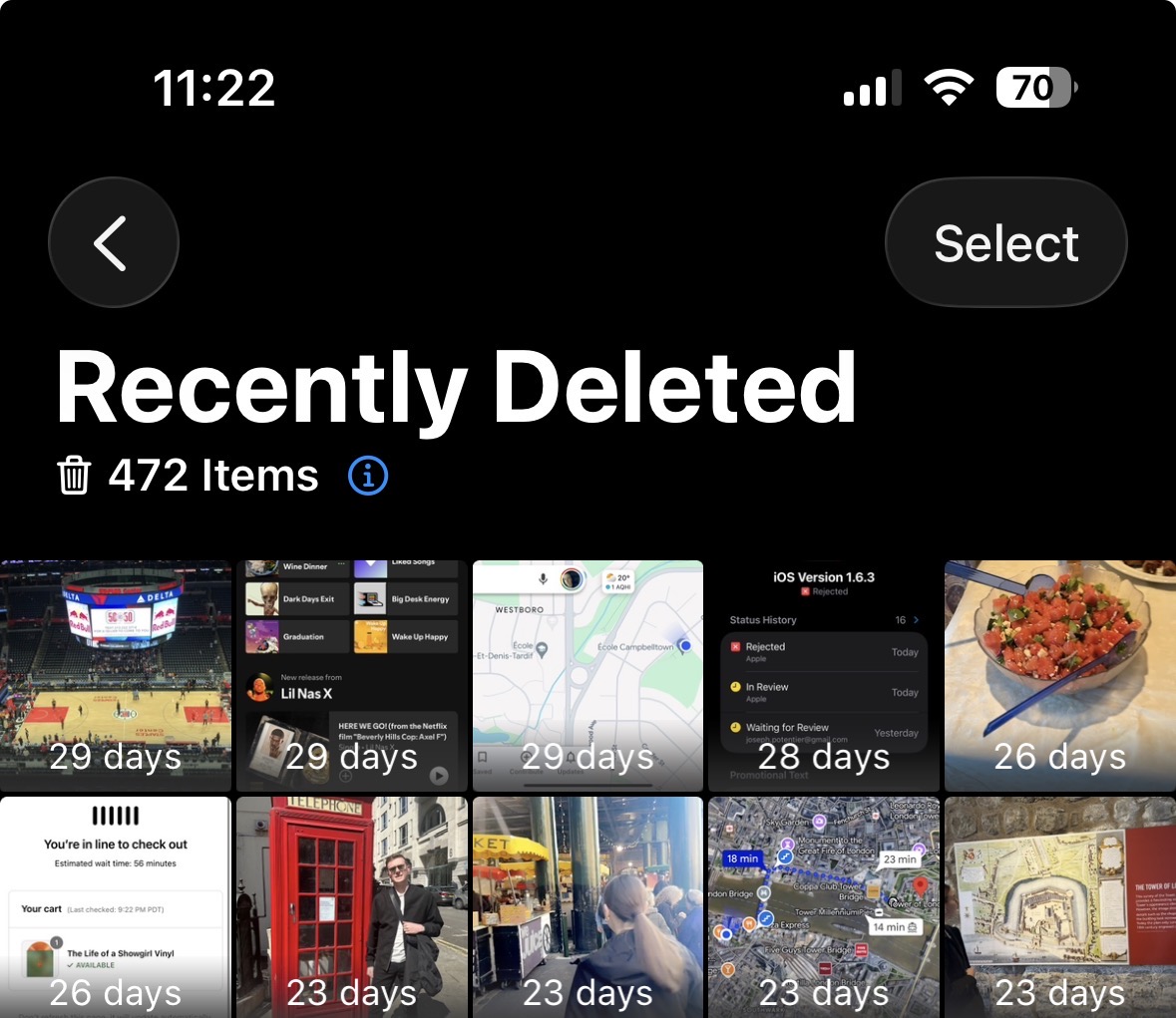
Deleted photos go to Collections > Utilities > Recently Deleted for 30 days. If you change your mind, you can still bring them back. Once you are sure, tap Select > Delete All to actually free the space.
When built-in tools stop helping
The same sunset from 8 angles. Three almost-identical selfies. A dozen shots of the dog in a row. All of these stay in your library because the built-in Duplicates tool only finds exact copies.
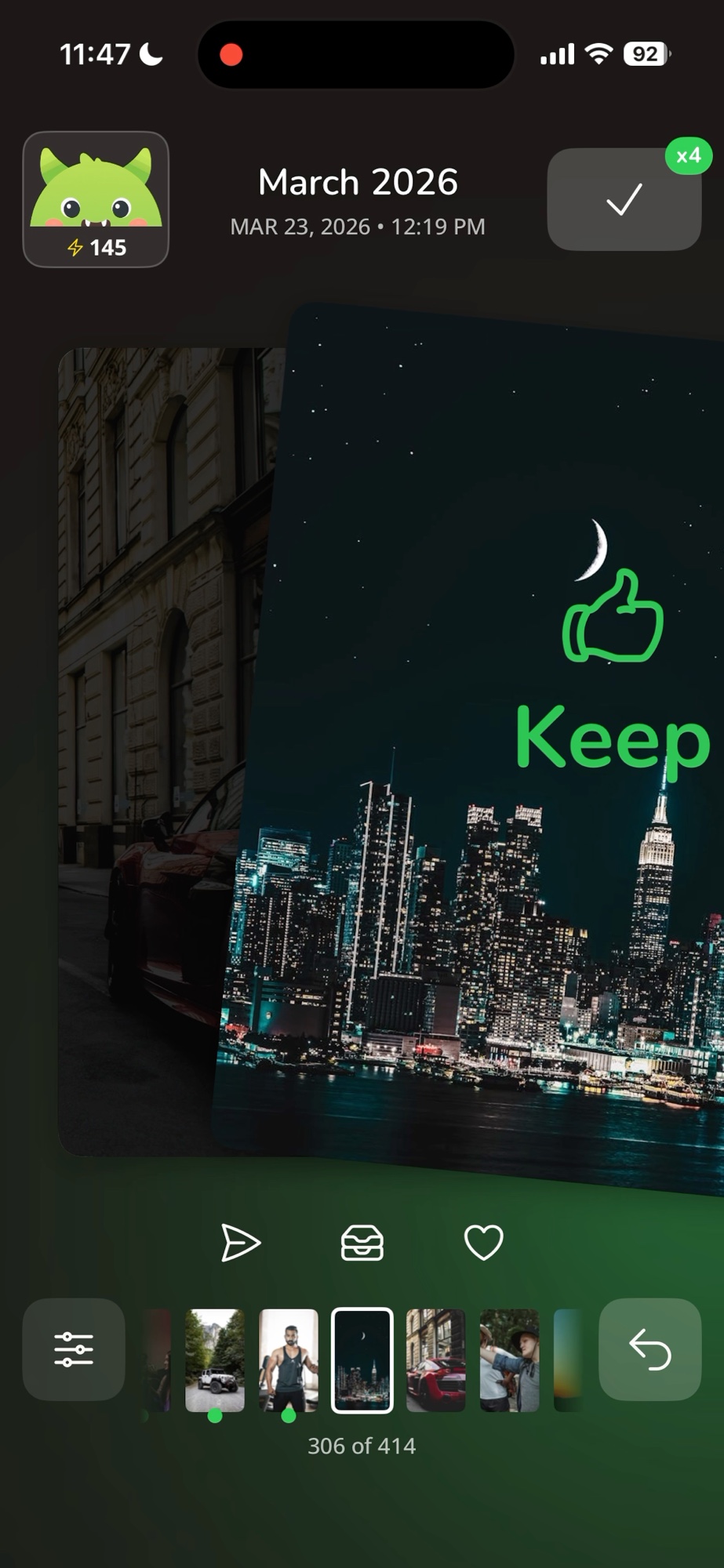
Photo Monster fixes that. Swipe right to keep, swipe left to delete, one photo at a time. Compare Mode groups similar photos so you can pick the best shot of the bunch.
Want help doing this in one app?
Swipe to decide each photo's fate. Your monster eats the junk.

Free. iPhone only.