Guide
How to clean up iPhone photos using built-in tools (free)
Want free space today with no new app? Use this Apple Photos cleanup flow first. Then use Photo Monster if you need a faster pass.
Quick answer
- Open Photos and scroll to Utilities.
- Delete screenshots first from the Screenshots album.
- Open Utilities > Duplicates and merge true copies.
- Empty Recently Deleted when you are sure.
- Check results in Settings > iPhone Storage > Photos.
- If this feels slow, use a faster swipe flow.
1) Open Collections and find Media Types
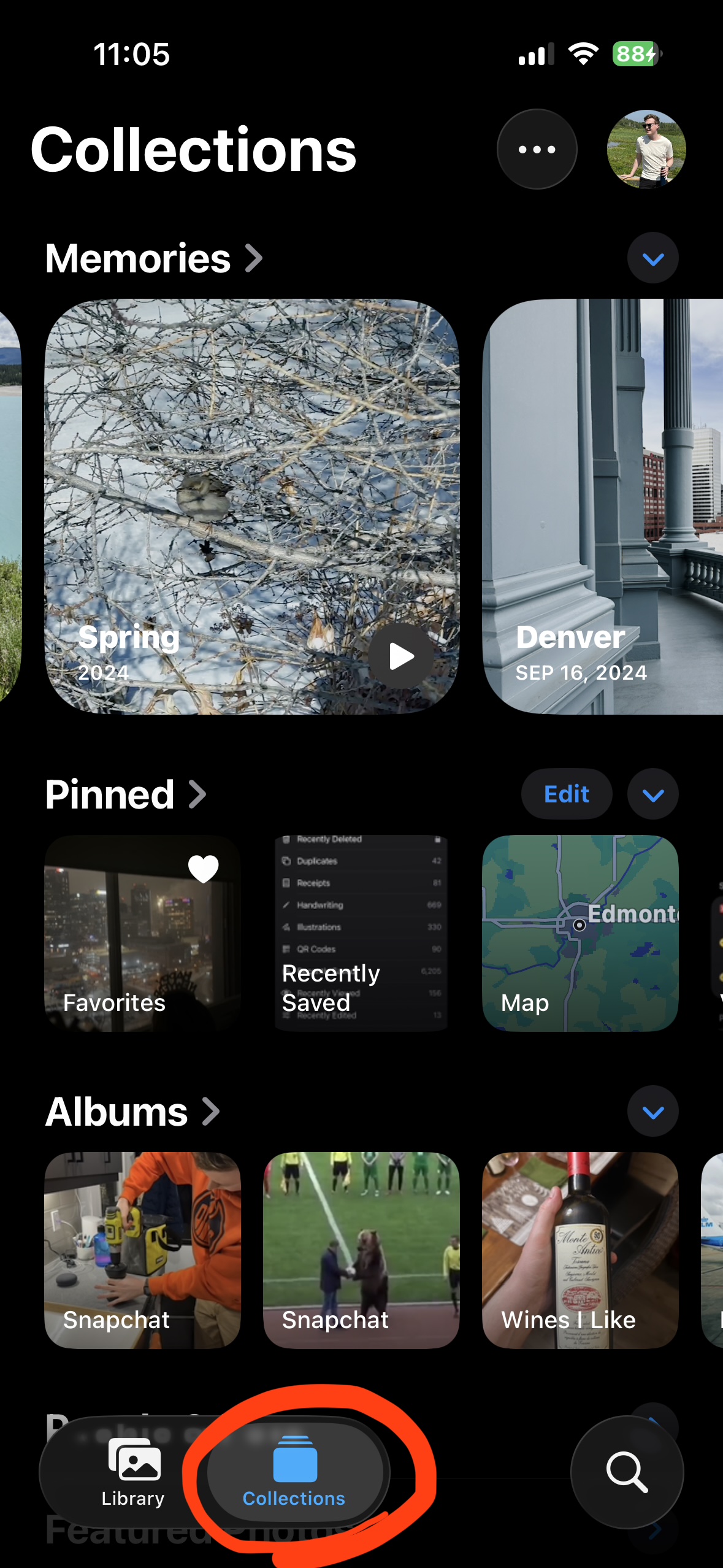
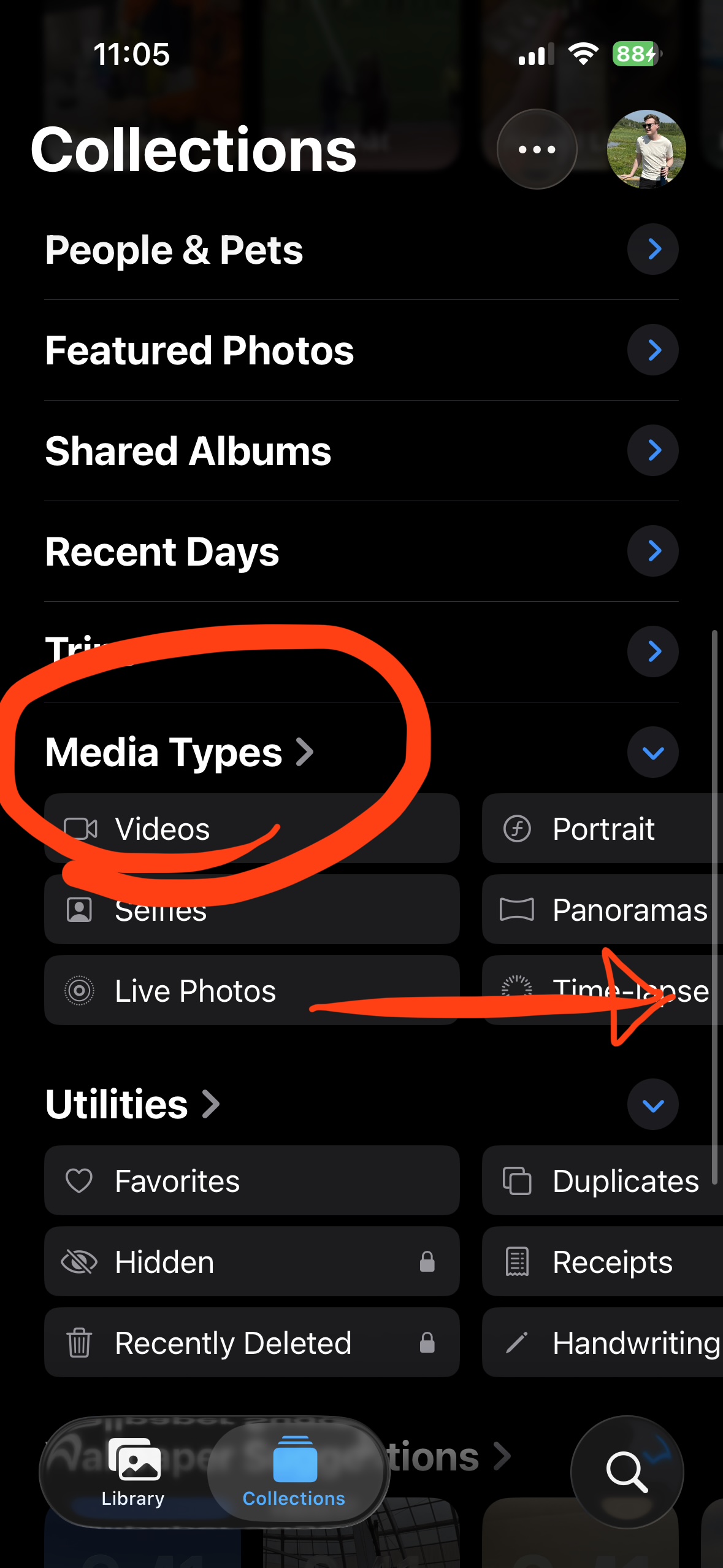
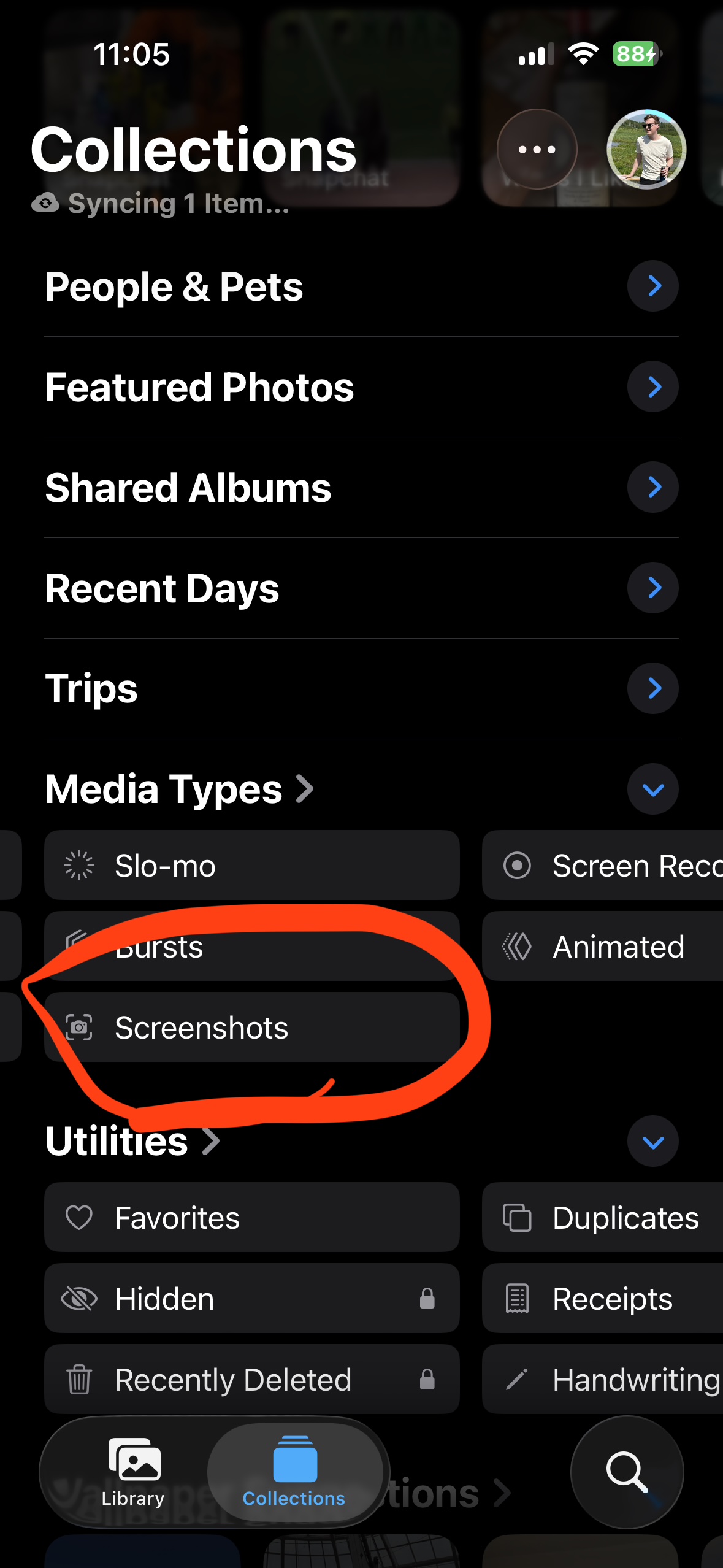
Open the Photos app. Tap Collections at the bottom. Scroll down to Media Types. You can either tap the heading to open the full list, or swipe the row sideways to flip through types until you find Screenshots.
2) Open Screenshots and clear the easy wins
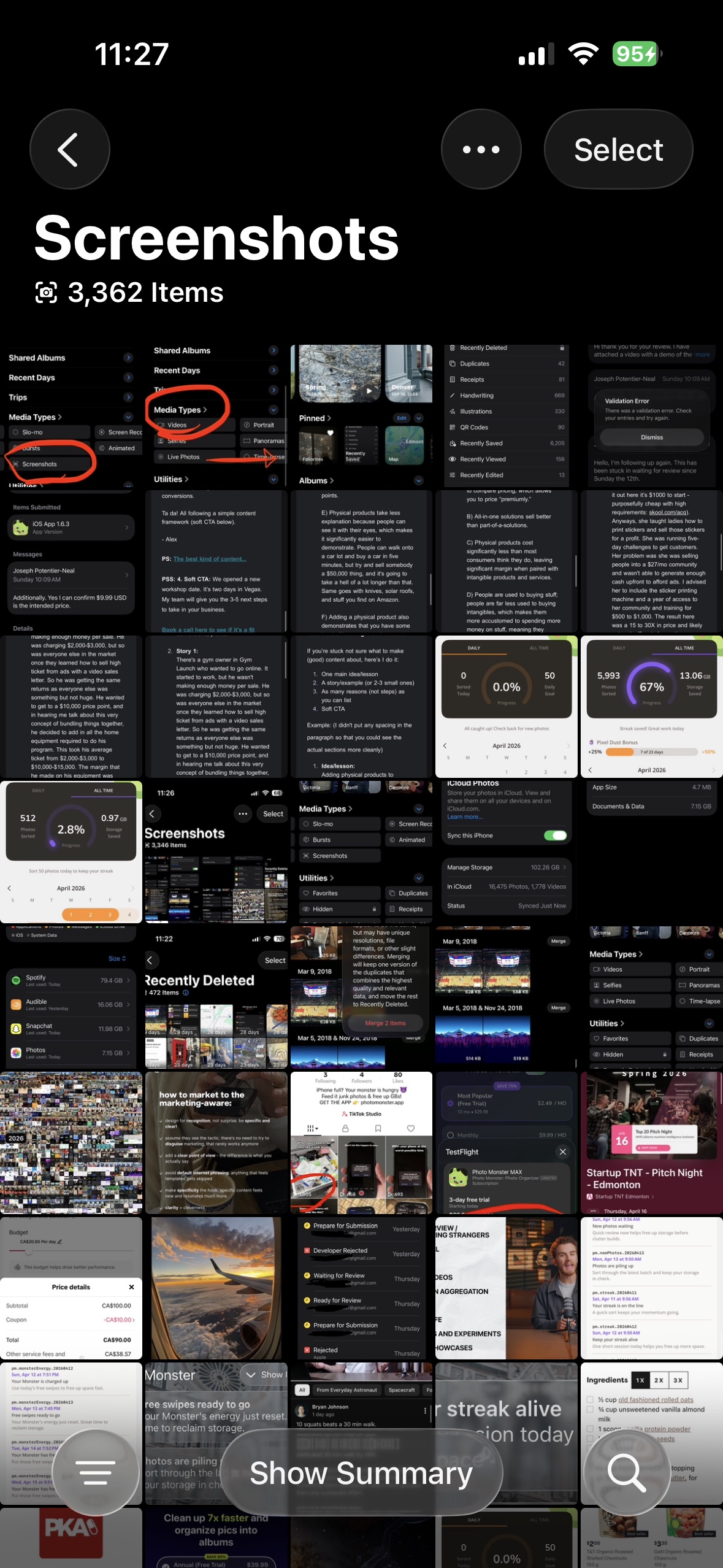
In the expanded Media Types list, tap Screenshots. You will see every screenshot on your iPhone in one place. Tap Select, tap the throwaways, and delete. Screenshots pile up silently and are almost always safe to remove.
3) Merge duplicates
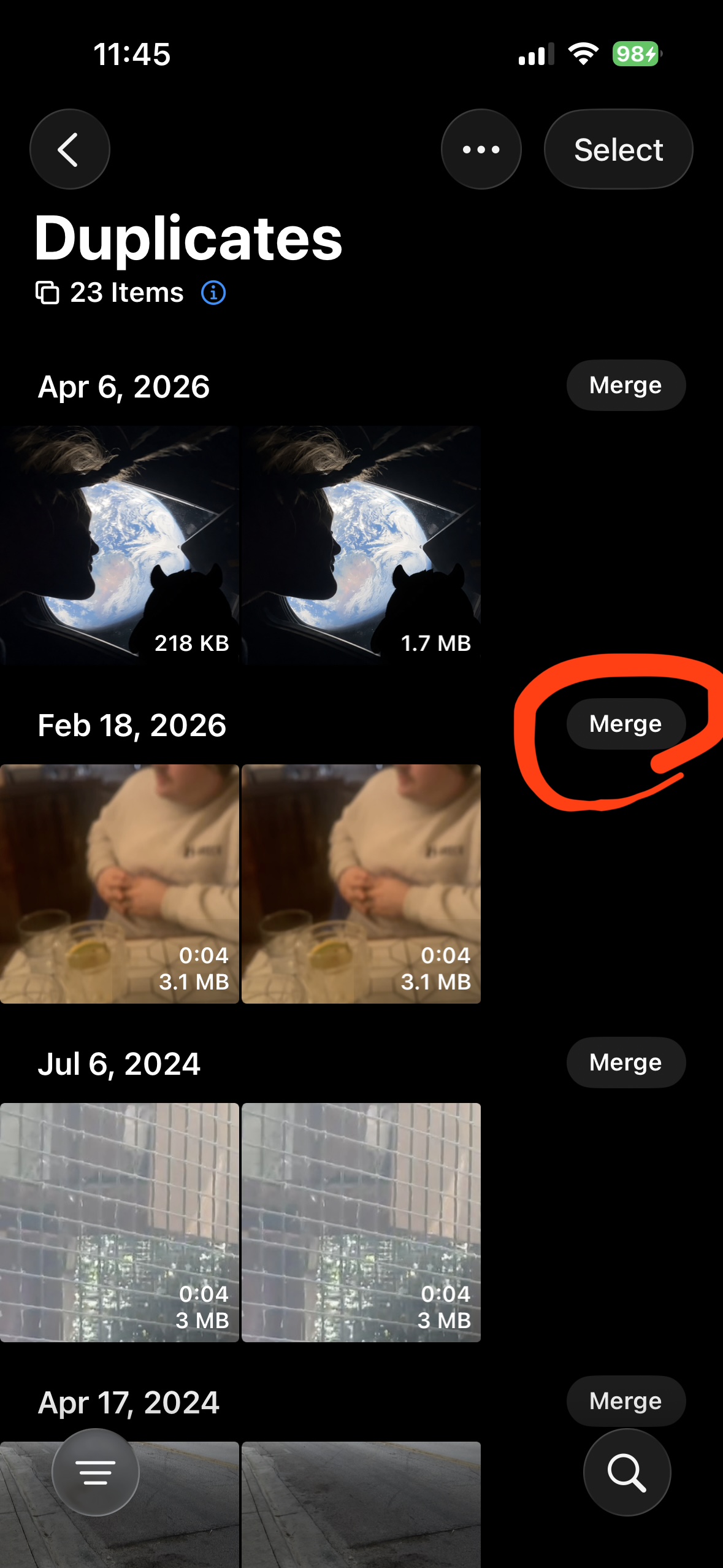
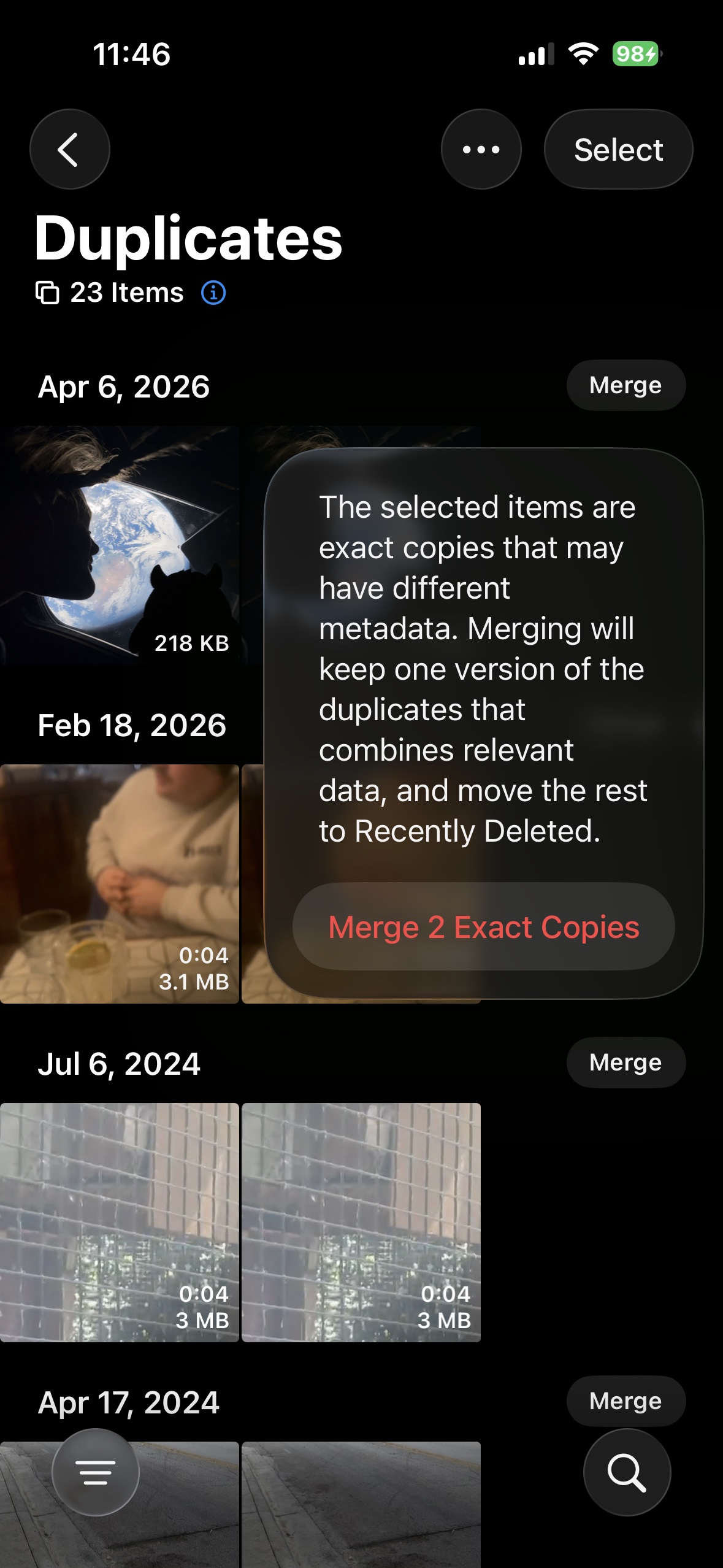
Go to Utilities > Duplicates. Merge true copies. Apple keeps one file and moves the rest to Recently Deleted.
4) Check Recently Deleted
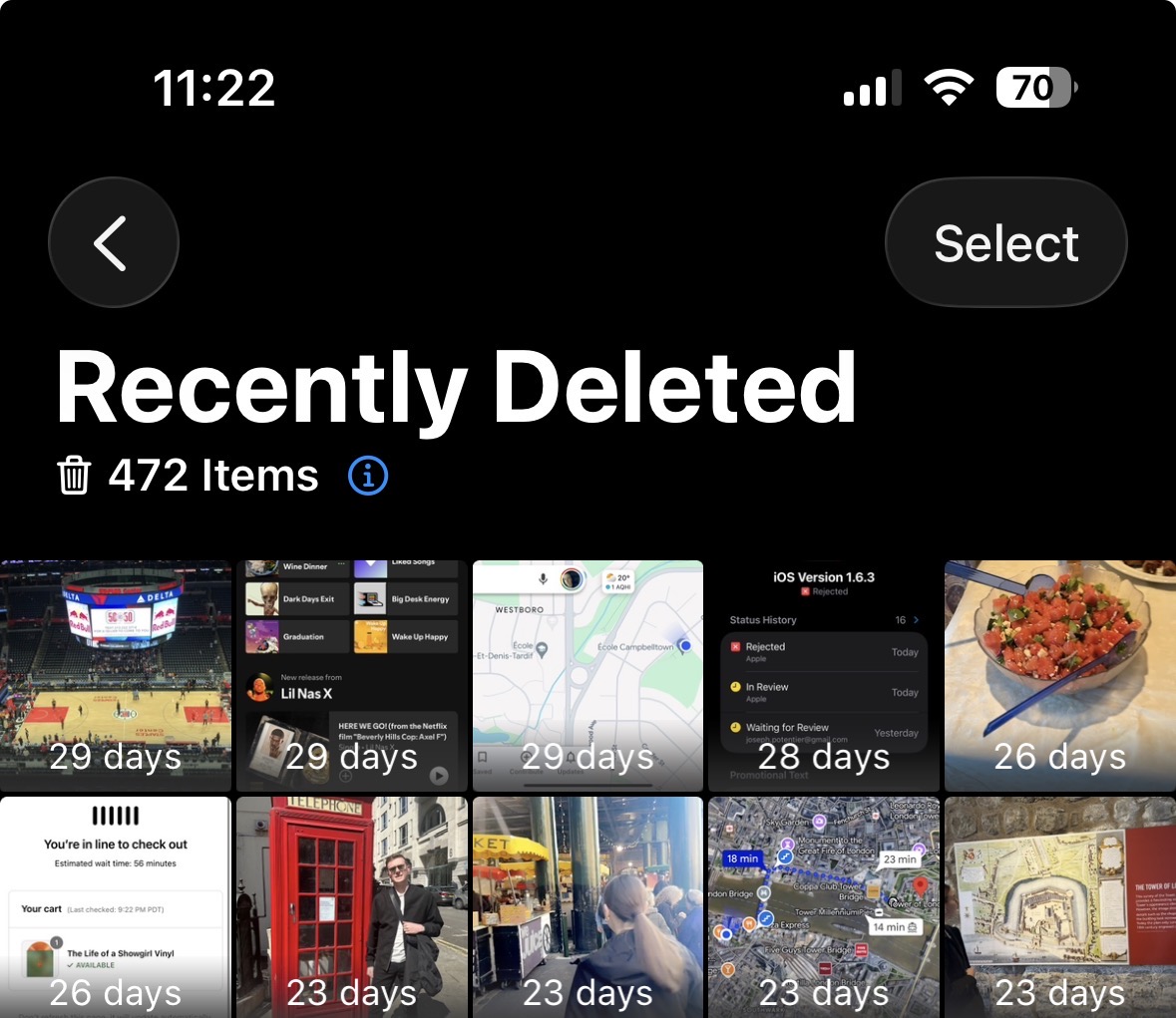
Deleted photos go to Recently Deleted first. You can find it under Collections > Utilities > Recently Deleted. You can still bring photos back for 30 days before they are gone for good.
5) Check how much space you freed
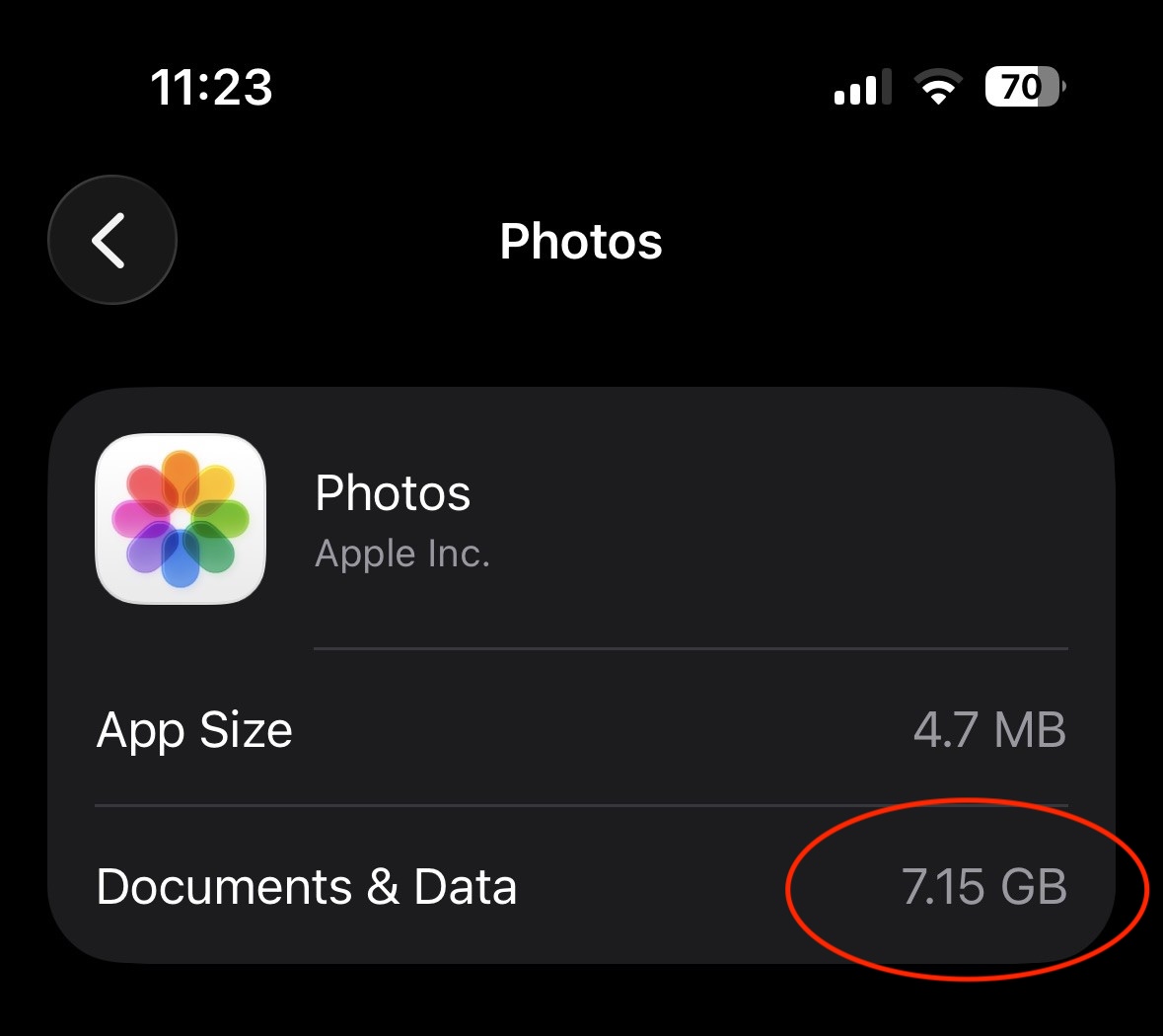
Open Settings > General > iPhone Storage > Photos to see how much space the Photos app is using on your device. If iCloud Photos is on, it can take a few minutes to update after a big cleanup.
Where built-in tools stop helping
Apple only finds exact dups, so similar photos are impossible to find and even harder to compare. Sorting your photos takes time, and there is no way to keep track of where you stopped last time.
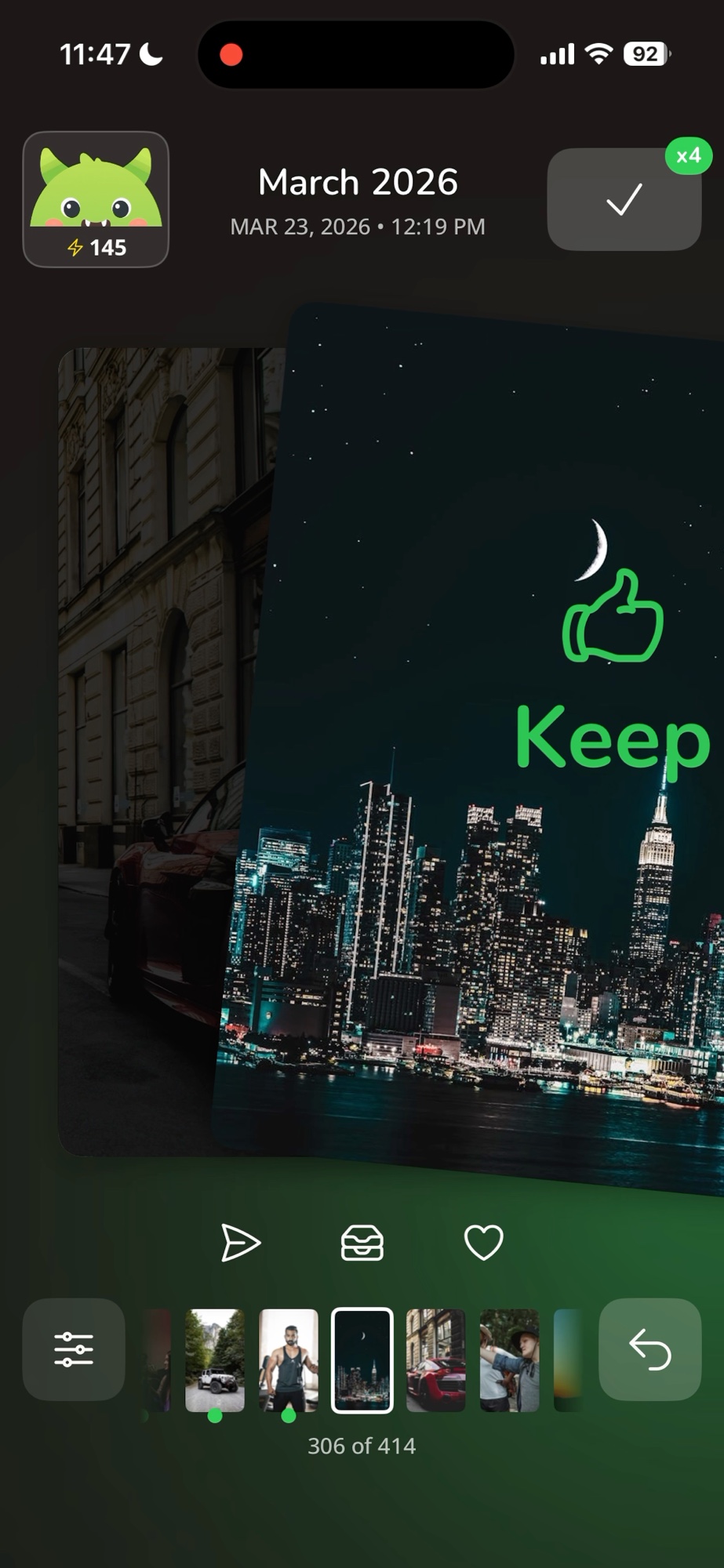
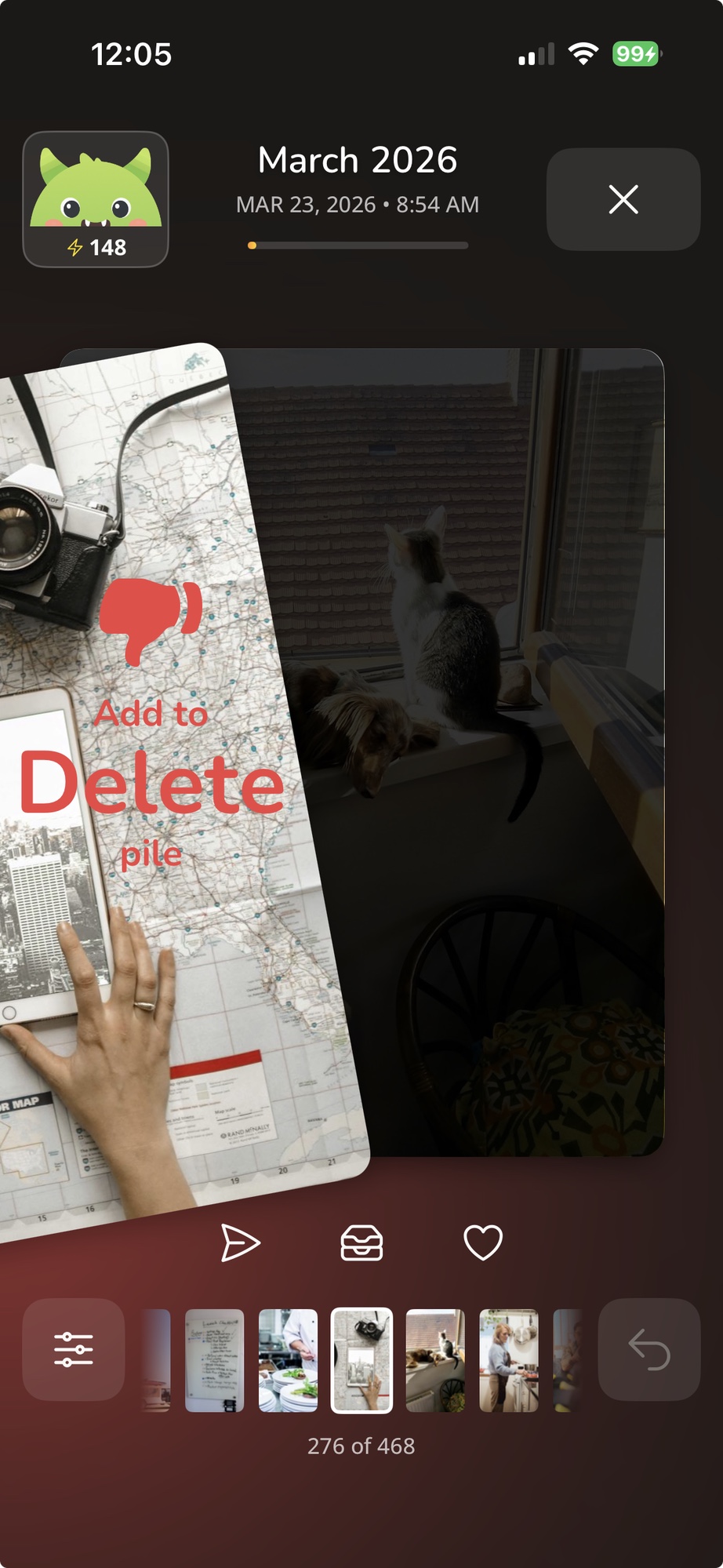
Photo Monster fixes that. Swipe right to keep, swipe left to delete, one photo at a time.
Try Photo Monster
Swipe yes, swipe no. Your monster eats the rest.

Free. iPhone only.