Guide
iPhone storage full even after deleting photos? Here is the fix
You deleted a pile of photos, but your iPhone still says storage is full. That is not a bug. Deleted photos sit in Recently Deleted for 30 days, and iCloud takes time to sync. Here is how to actually reclaim the space.
Quick answer
- Empty Recently Deleted in the Photos app.
- If you use iCloud Photos, give it a few minutes to sync.
- Check Settings > General > iPhone Storage > Photos for actual on-device use.
- If still tight, clean Screenshots and Duplicates.
- For a big library, use a faster swipe flow.
1) Why deleted photos do not free space right away
When you delete a photo on iPhone, it moves to the Recently Deleted album. It stays there for 30 days so you can undo. Until you empty that album, the space is still used.
If you use iCloud Photos, there is a second delay. Changes on your iPhone need to sync with iCloud. Storage totals can take minutes to update, sometimes longer for big libraries.
2) Empty Recently Deleted
Open Photos > Utilities > Recently Deleted. Unlock with Face ID. Tap Select, then Delete All. This is the step most people miss, and it is usually where the space is hiding.
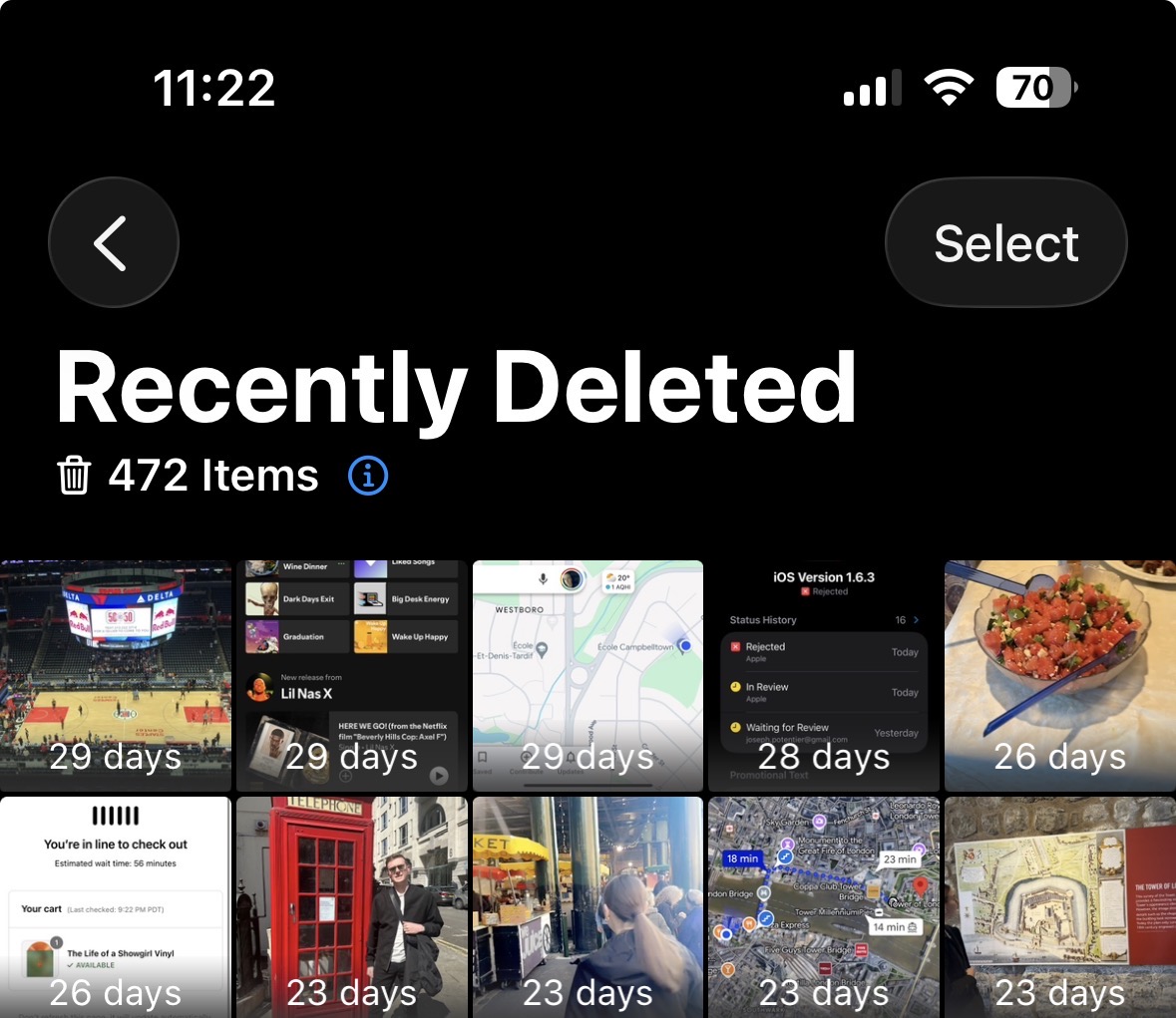
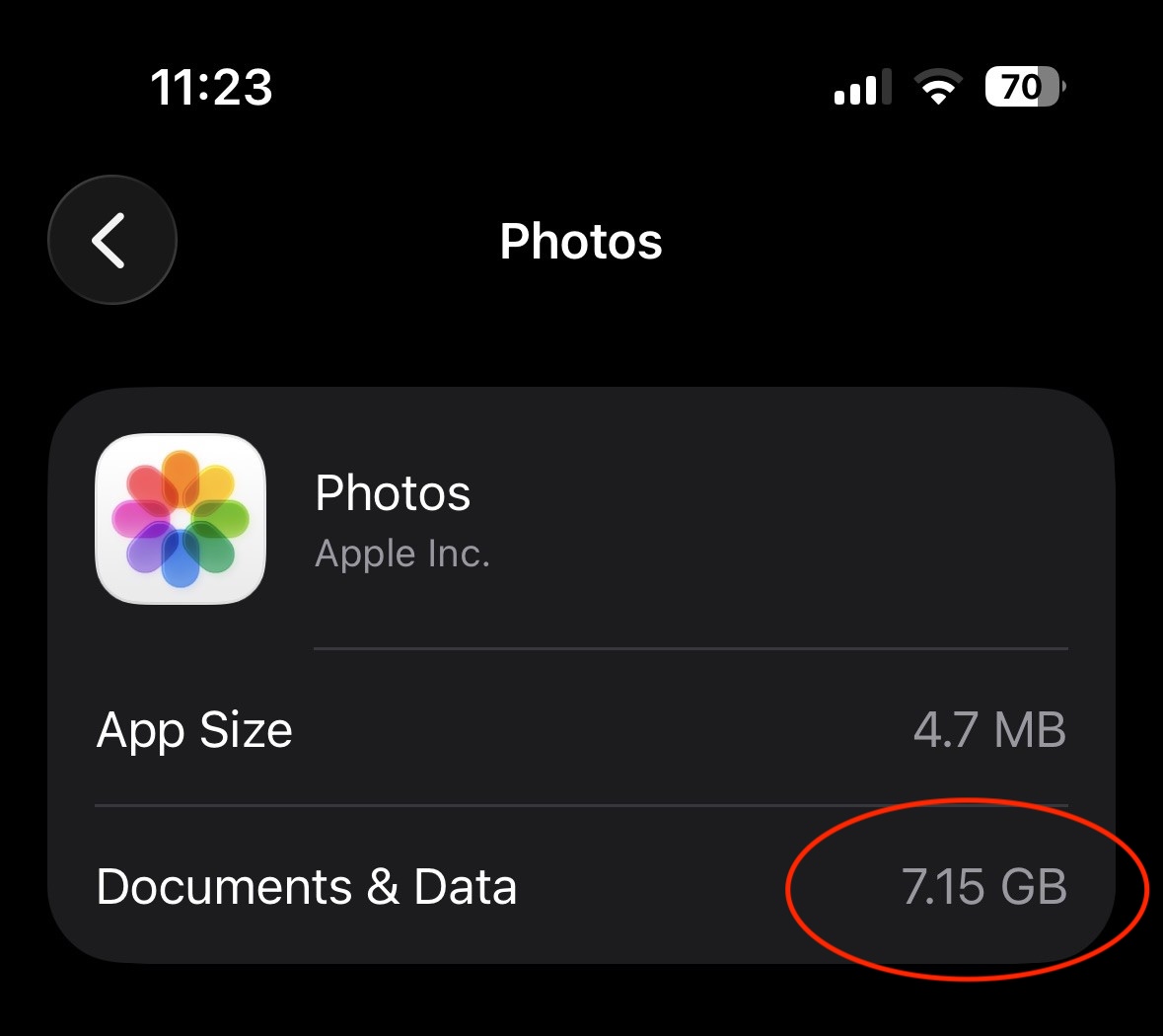
3) Check what Photos is actually using
Open Settings > General > iPhone Storage > Photos. This shows the space Photos is using on your device right now. This is the number that matters for on-device storage, not the iCloud total.
4) Still full? Clean the big offenders
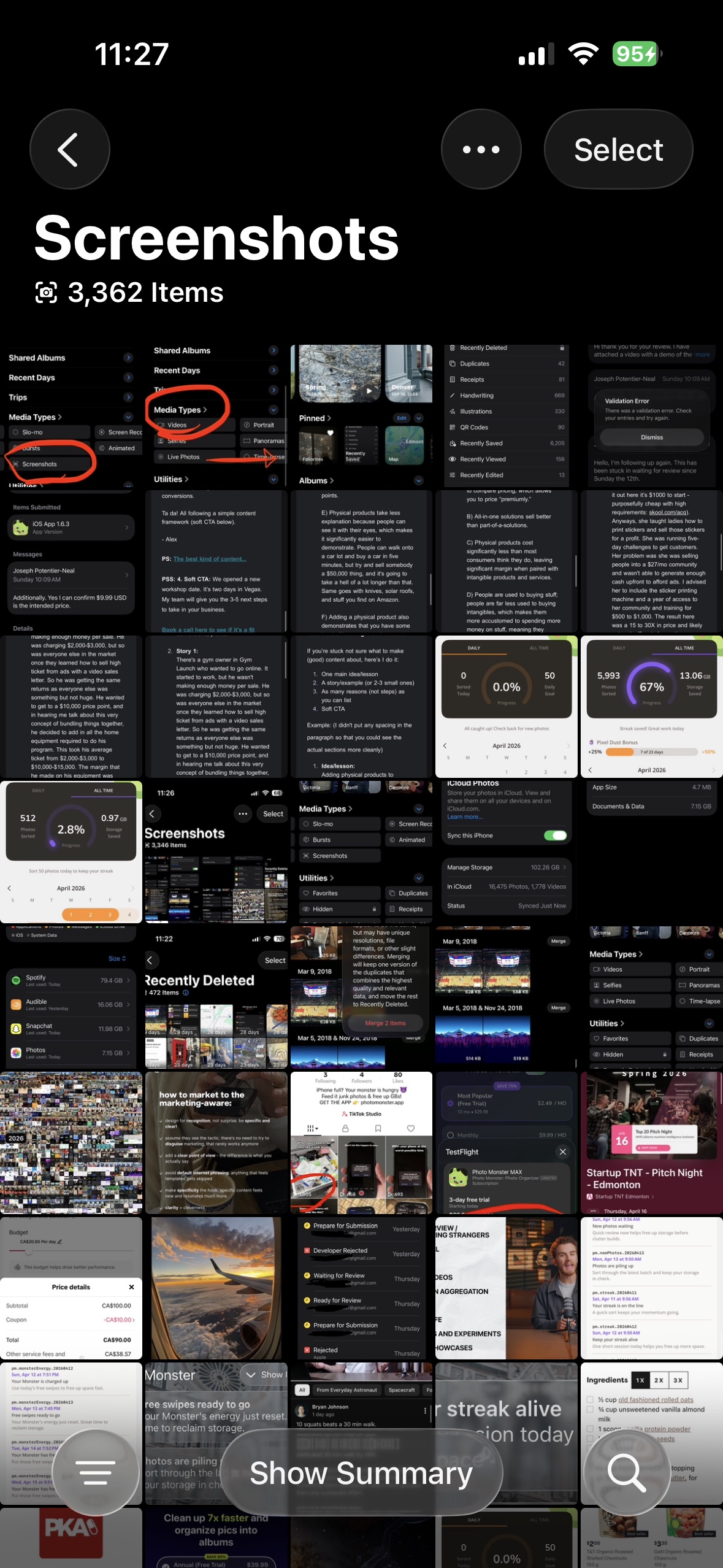
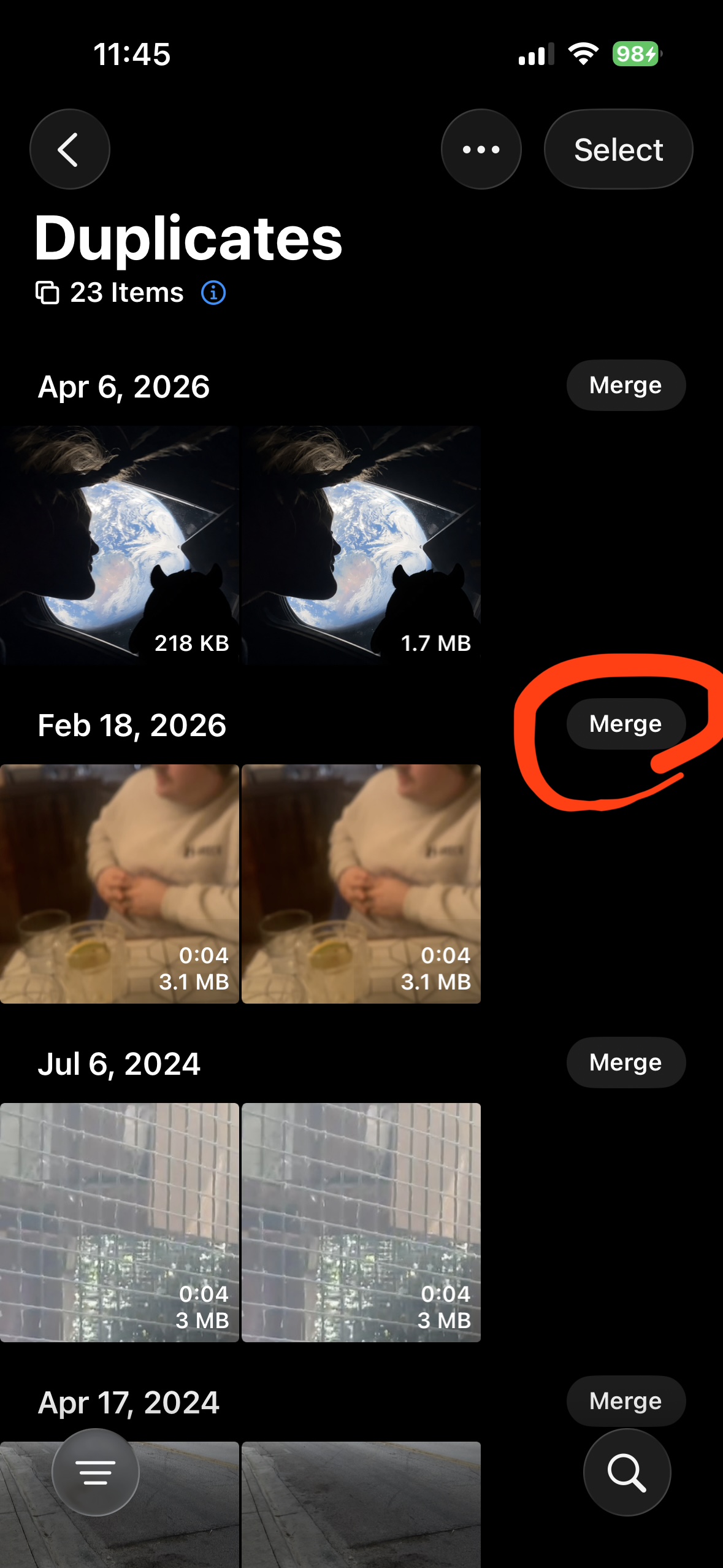
If storage is still tight, the fastest wins are Screenshots and Duplicates. Screenshots pile up silently and are almost always safe to remove. Duplicates are true copies that Photos can merge for you.
After deleting, come back to step 2 and empty Recently Deleted again.
5) For big libraries, use a faster review flow
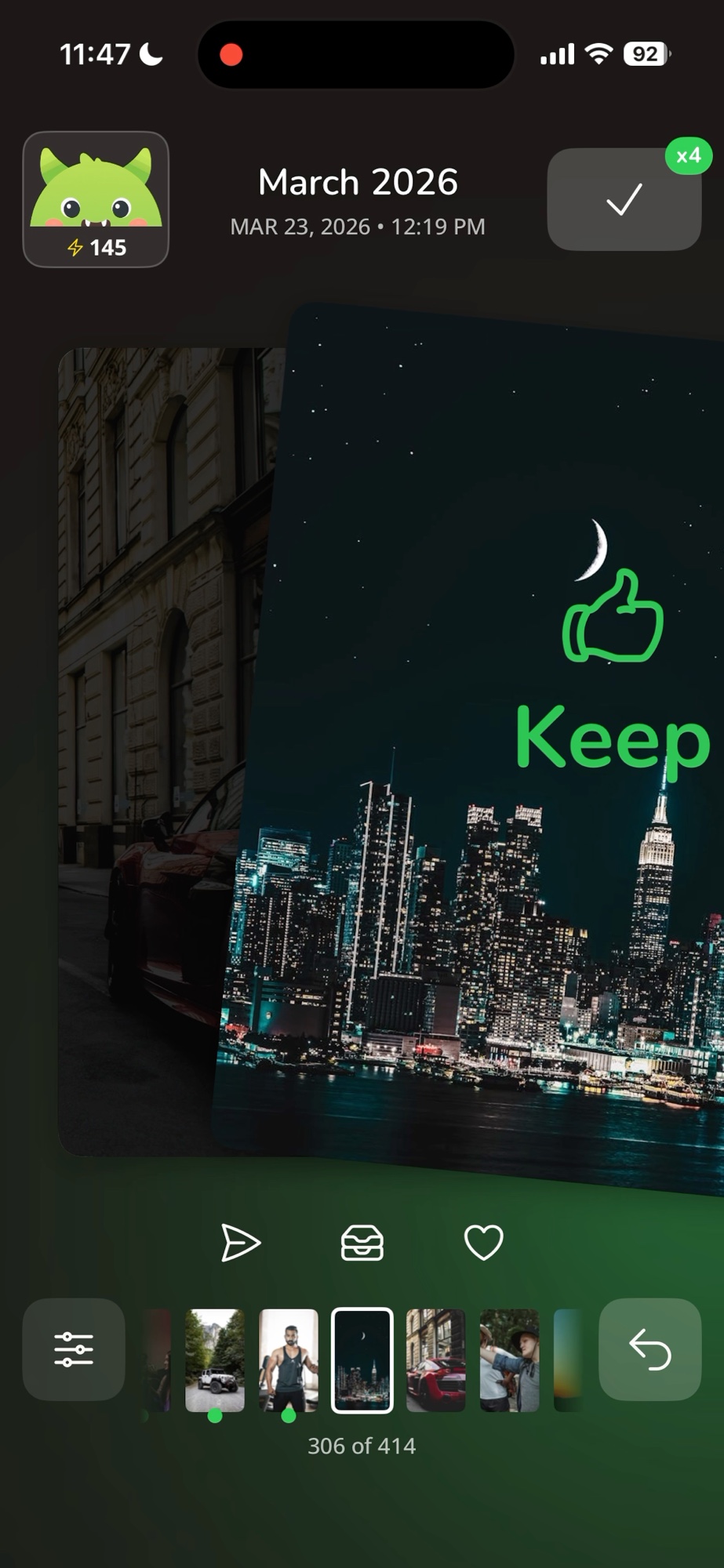
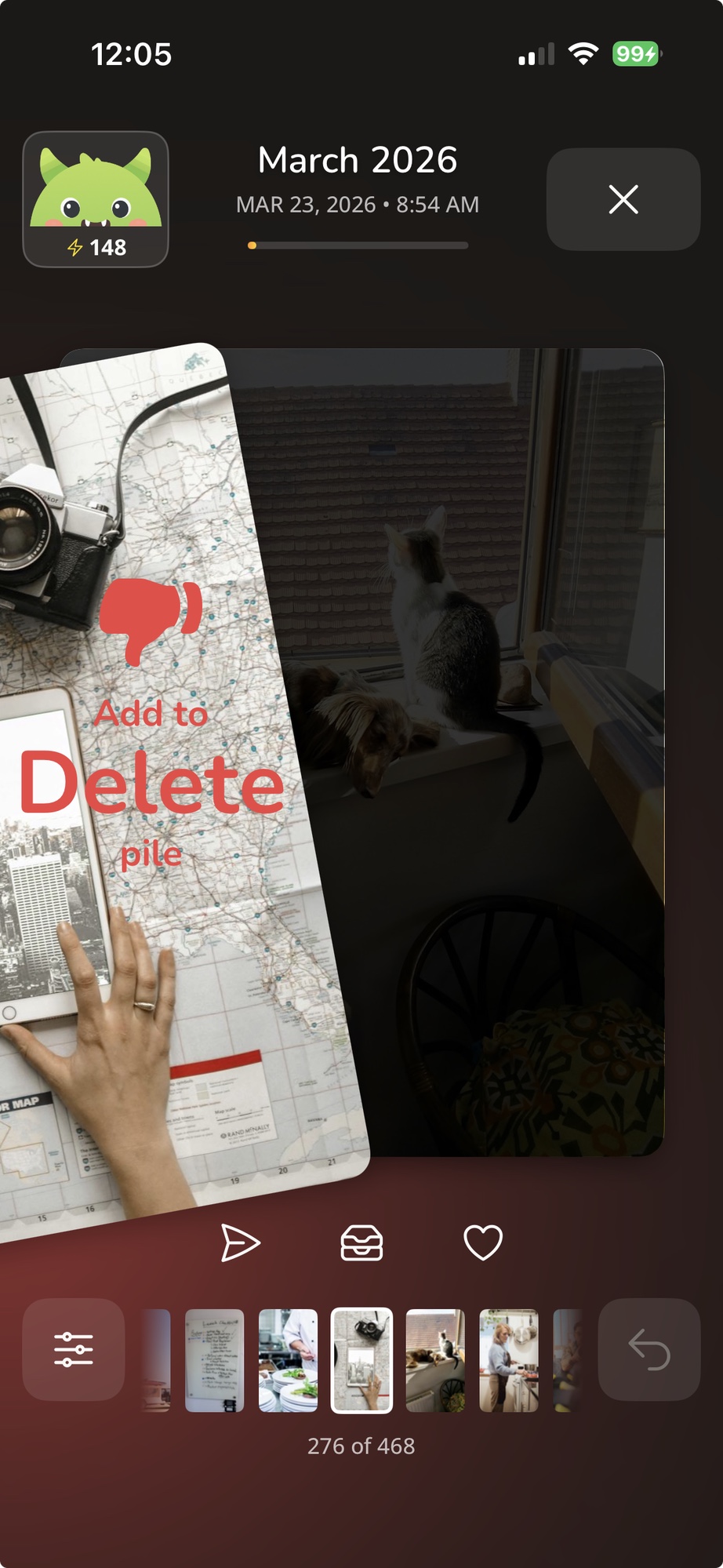
If you have thousands of photos, going album by album takes hours. A swipe review flow lets you decide keep or delete one photo at a time, fast, without losing the good ones.
Want cleanup to feel less painful next time?
Sorting memories should feel satisfying, not stressful. Swipe each photo, feed the junk to your monster.

Free. iPhone only.